
A urine-strip analyser may look like a straightforward purchase until the laboratory discovers that its usual strips are not supported. For a clinic in Uganda, the useful comparison is the complete testing arrangement: instrument, approved strips, quality-control supplies and a reliable way to identify and report results.
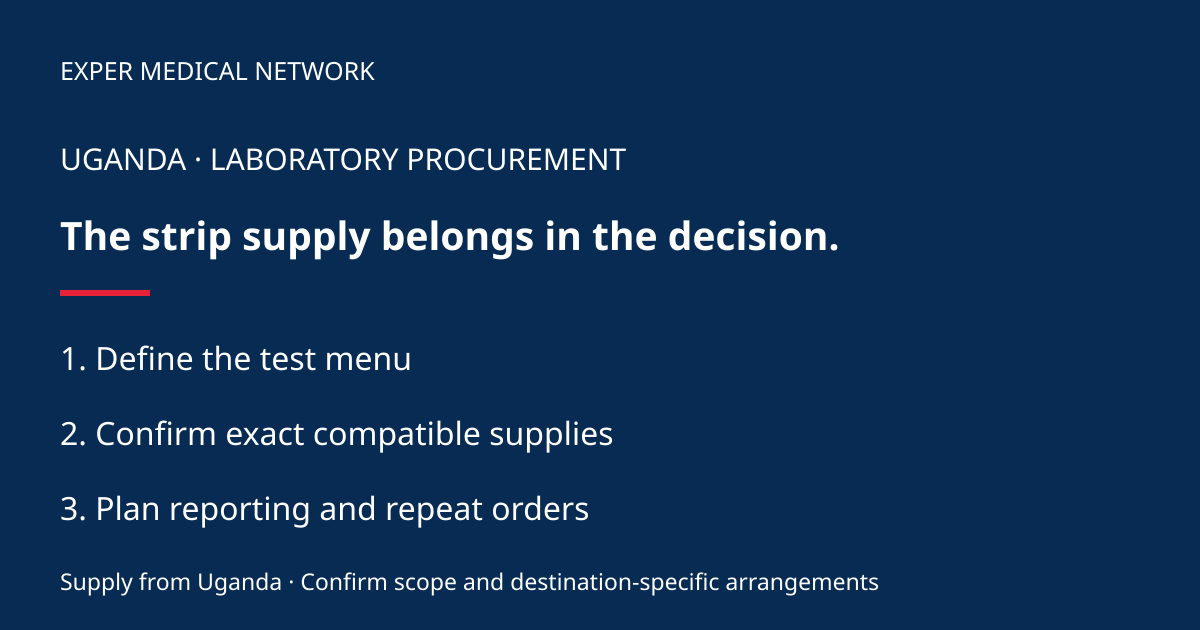
Start with the laboratory’s intended test menu
Have the laboratory lead list the tests required and the expected workload. Distinguish a strip reader from equipment that performs other urine investigations. Do not assume the word “urinalysis” means every requested examination is included.
Ask suppliers to identify the exact model, software configuration and supported test products. Mark any requirement that the proposed instrument cannot meet. This makes it possible to compare offers without confusing a larger advertised menu with the tests your clinic actually needs.
Confirm strip compatibility in writing
Request manufacturer documentation for every proposed strip reference and any required tray or accessory. Siemens Healthineers, for example, specifies particular Siemens strips and CLINITEST hCG cassettes for its CLINITEK Status+ system. Its documentation also identifies a non-standard tray requirement for certain strips. This illustrates why compatibility and included accessories must be checked; it is not an Exper stock or brand-representation claim.
Do not assume similar-looking strips or the same number of reagent pads make products interchangeable. Ask the supplier to disclose substitutions before dispatch and have the laboratory approve them under its quality procedures.
Compare recurring supplies separately
Request separate lines for strips, applicable control materials, cleaning supplies and printer consumables where relevant. Record pack quantity, storage conditions, expiry information and usable life after opening from the product instructions. Ask what is included at startup and what needs a separate order.
For illustration, a large strip bottle may offer a lower nominal cost per strip but still be unsuitable for a low-volume clinic if it cannot be used within the permitted period after opening. Use your own workload records and the selected product’s instructions to make that comparison; do not borrow another laboratory’s consumption estimate.
Demonstrate the reporting workflow
Ask for a non-patient demonstration covering sample identification, operator entry, result display, printing and retrieval as applicable. Clarify which functions belong to the base instrument and which need extra hardware, software or configuration. A network port alone is not proof of connection to your laboratory information system.
Have the laboratory define acceptance and quality-control requirements before purchase. Agree who provides orientation, who reviews records and how faults or unacceptable results are escalated. Keep the instrument identity, manuals and support terms together.
Send a complete enquiry
Send Exper your Uganda destination, required tests, expected workload, preferred reporting arrangement and quantities. Use the laboratory equipment enquiry page and ask whether a documented package can be supplied. Our quotation comparison guide helps make exclusions visible.
Reference reviewed 12 November 2026: Siemens Healthineers CLINITEK Status+ documentation. Actual operation and interpretation require the selected system’s instructions and the laboratory’s approved procedures.
Contact +256 756 789 821 or info.brandexper@gmail.com with your destination, equipment list and quantities. Exper requires 100% payment before delivery. Request current availability and written terms for your order.